
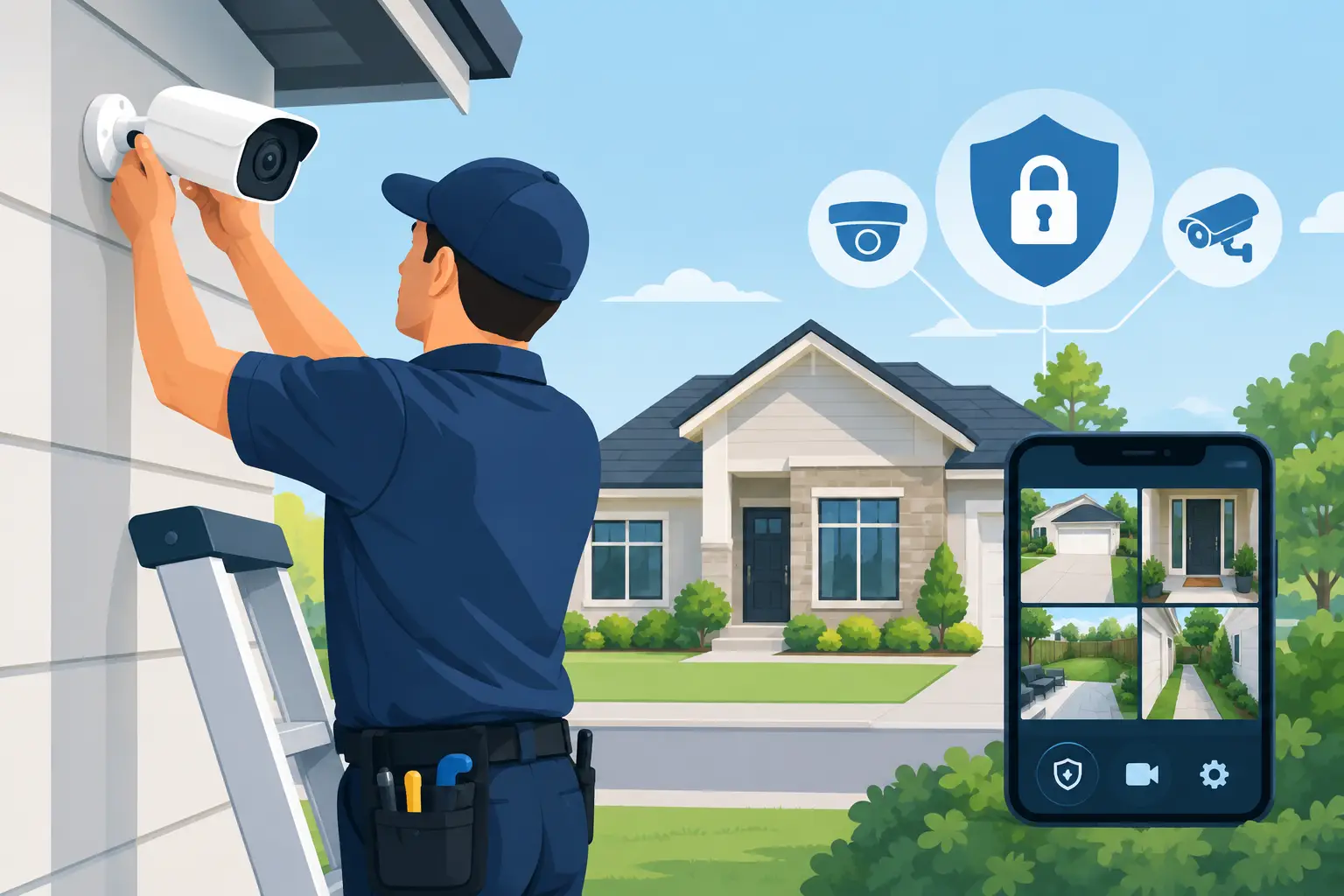
A camera mounted above the garage or front door can record an incident. A properly engineered security camera installation Prosper TX property owners can rely on does more: it identifies a credible threat at the perimeter, deters it before entry, and gives the right people clear information to act quickly.
That distinction matters. Prosper homes often include larger lots, detached garages, gated driveways, pools, and multiple points of entry. Small businesses may have loading doors, employee entrances, inventory areas, parking lots, and vendors moving through the property all day. A basic camera package rarely accounts for those realities. It captures footage, but it may miss the face, license plate, or approach path that matters most.
Security Camera Installation in Prosper TX Starts With the Property
Effective video security is designed around risk, not camera count. Before selecting equipment, an installer should understand how people, vehicles, deliveries, employees, and guests move around the site. The goal is not to cover every square foot with a camera. The goal is to create useful detection zones, clear identification points, and a response path when suspicious activity occurs.
For a residence, that may mean watching the driveway approach, front walk, side gates, rear patio, and detached structures. For a business, it may mean separating public-facing areas from controlled employee doors, receiving areas, parking zones, and high-value storage. A camera aimed broadly across a yard may provide context, while another positioned at a choke point provides the face-level detail needed for verification.
This is why a site assessment matters. Camera height, field of view, lighting, sun exposure, landscaping, exterior materials, and available cable routes all affect performance. A camera that looks excellent at noon can become nearly useless when headlights enter the driveway at night. A wide-angle view can show activity without producing identifiable detail. Design decisions must account for both.
Coverage Is Not the Same as Identification
Many systems are sold on resolution alone. Higher resolution helps, but it cannot correct poor placement, glare, excessive distance, or unstable wireless connectivity. The practical question is simple: when an event occurs, can the system show who or what triggered it, where they went, and what happened next?
A strong design typically uses overlapping views. One camera may capture the vehicle entering the drive, another may capture the person leaving it, and a third may protect the door or gate they approach. This creates a more complete event record while reducing blind spots.
Move Beyond Passive Recording With AI Detection
Conventional cameras record motion. That creates a familiar problem in North Texas: notifications caused by wind-blown trees, passing headlights, animals, rain, or a neighbor walking a dog. After enough false alerts, people stop checking the app. The system is technically active but operationally ignored.
AI-powered video intelligence changes the model. Cameras can distinguish people and vehicles from ordinary motion, then apply rules to the areas and times that matter. A virtual tripwire across a driveway, for example, can identify a vehicle entering after hours. A defined zone around a rear gate can alert only when a person enters that area, rather than whenever trees move in the background.
This does not mean every alert should produce the same response. A delivery driver at the front door during the day is different from a person approaching a side gate after midnight. Smart security is built on that context. The system should provide the homeowner or manager with meaningful notifications, not a nonstop stream of digital noise.
For higher-risk zones, proactive deterrence can be added. When a verified threat crosses a protected area, the system may activate a strobe light, audible warning, or both. The objective is to make the property a less attractive target before a break-in, theft, or vandalism can develop.
Why Professional Monitoring Changes the Outcome
A camera alert sent to a smartphone is useful only if someone sees it, understands it, and can respond. That is not always realistic during work, travel, sleep, or a family event. It is also not a dependable plan for a business owner managing operations across one or more locations.
With live video verification, trained monitoring agents can review a qualifying event and determine whether a real threat is present. Verified information can support faster, more informed emergency dispatch than an unverified alarm signal alone. It also reduces the burden on the property owner to make a high-stakes decision from a short notification.
There is a trade-off. Professional monitoring is an ongoing service, not a one-time purchase. For many properties, however, the added response layer is precisely what turns a camera system from a recording tool into an active protection strategy. The appropriate level of monitoring depends on the property, the risk profile, and how quickly someone can reliably respond on site.
The Network Is Part of the Security System
Video systems are often blamed for problems caused by the network underneath them. Delayed clips, dropped cameras, poor remote viewing, and unreliable alerts are frequently the result of weak Wi-Fi coverage, overloaded consumer routers, or equipment installed without proper network planning.
A security camera installation should include the infrastructure needed to support it. Where possible, hardwired connections provide reliable bandwidth and power. Managed network equipment allows the security system to be separated from guest devices, streaming entertainment, and other routine traffic. Backup power can keep critical components operating during short outages, while remote health monitoring helps identify issues before a customer discovers a camera offline.
Wireless cameras have a place, particularly where trenching or cable runs are impractical. But they should be selected and placed with realistic expectations about signal strength, battery maintenance, weather exposure, and recording behavior. Convenience should not become a single point of failure at the most important edge of the property.
Residential Security Should Work With Daily Life
For homeowners, the best system is protective without becoming intrusive. A single mobile app can provide camera views, door and gate control, alarm status, automation scenes, and notifications. You should be able to confirm that children arrived home, check a package delivery, open a gate for a trusted contractor, or review an alert without juggling disconnected platforms.
Privacy also deserves careful attention. Exterior cameras should be aimed at your property and access points, not unnecessarily into a neighbor’s private space. Interior cameras may be appropriate in a vacation home, nursery, or protected storage area, but placement and access permissions should reflect the household’s comfort level. Security works best when every user understands what is monitored and why.
Business Cameras Should Improve Operational Control
For small businesses, video is not only about after-hours crime. It can provide visibility into opening and closing procedures, deliveries, customer traffic, employee-only doors, and conditions around the facility. When combined with access control, business owners can replace physical keys with cloud-managed credentials and maintain a clear record of who entered a door and when.
That is especially valuable when employees change, vendors require temporary access, or managers oversee multiple locations. Instead of rekeying locks after a lost key, an administrator can remove a credential. Instead of guessing who opened a rear door, the access event can be reviewed alongside corresponding video.
The system should be configured for the way the business actually operates. A warehouse has different priorities from a medical office, retail store, or professional services firm. NDX Security designs these systems as connected security architecture, not as a shelf of unrelated devices.
Questions to Ask Before Choosing an Installer
Before approving a system, ask who owns the equipment, how video is stored, what happens when internet service fails, and who provides support after installation. Those answers reveal whether you are buying a property-specific system or entering a restrictive arrangement built around low-cost hardware.
Also ask how the installer handles false alerts, nighttime performance, remote access permissions, firmware updates, and network security. A quality provider should explain the design in plain language and identify where compromises are being made. Not every property needs every feature, but every critical area needs a deliberate plan.
A free onsite property assessment is the right first step because it replaces assumptions with an actual view of the driveway, doors, lighting, network conditions, and daily activity patterns. The result should be a system that protects the way you live or operate, remains dependable when it matters, and gives you control without making security another full-time job.