
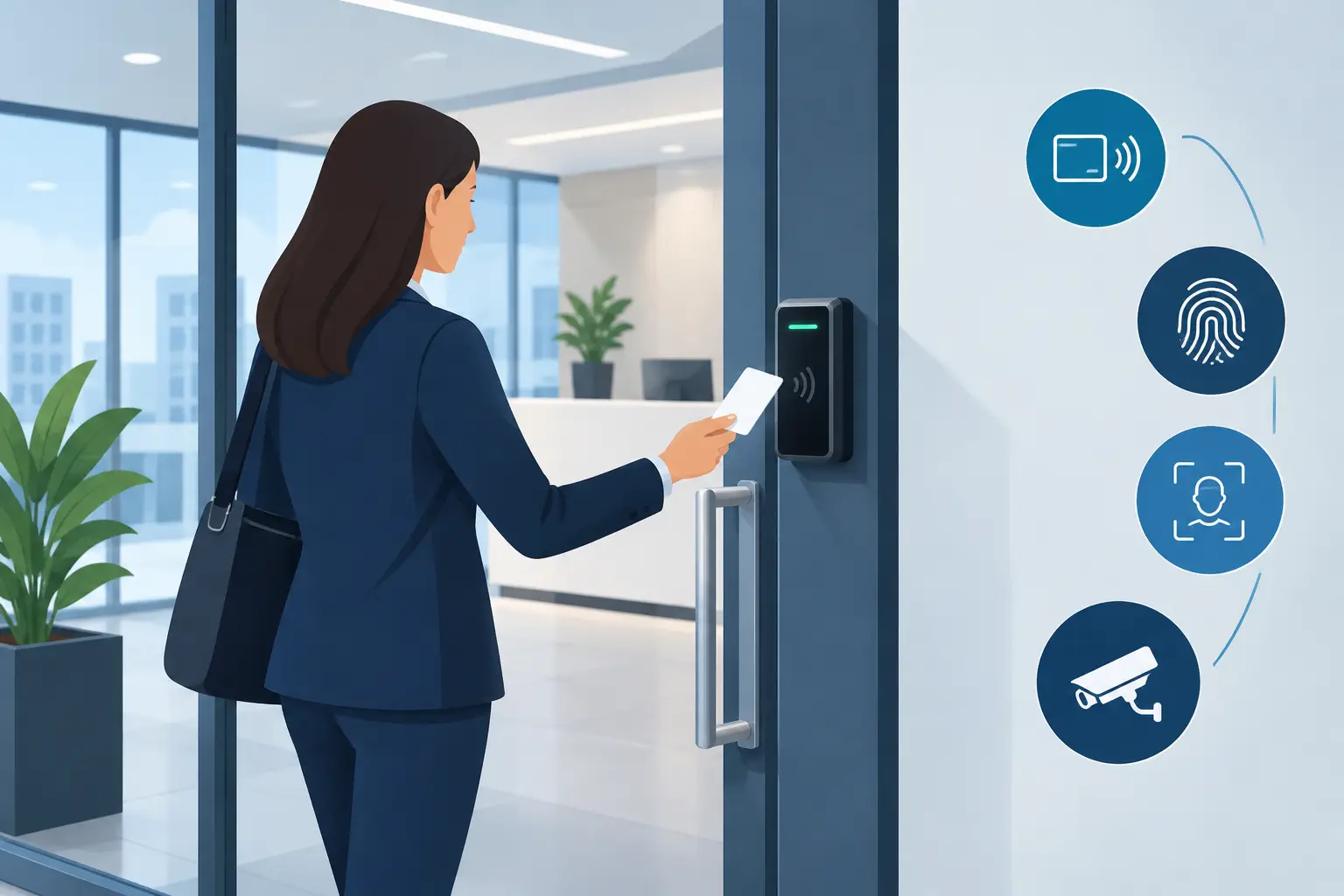
A physical key creates a security problem the moment it leaves your hand. You may not know who copied it, whether a former employee still has it, or which doors it can open after hours. Commercial access control systems replace that uncertainty with accountable, configurable control over every protected entry point.
For a retail store, office, warehouse, or multi-location operation, the objective is not simply to put a reader beside the door. The objective is to control who enters, where they can go, when they can enter, and what happens when access activity does not match normal operations. A properly engineered system also needs dependable network connectivity, protected power, secure door hardware, and a management platform your team can actually use.
What Commercial Access Control Systems Should Solve
Basic locks protect a door only until a key is lost, shared, or copied. Basic alarm systems may report an intrusion after someone forces entry, but they do little to manage authorized access throughout the day. Commercial access control systems create a controlled perimeter by replacing static keys with digital credentials and recorded activity.
That changes daily operations. A manager can issue an employee credential from a smartphone or cloud-managed dashboard, limit it to specific doors and schedules, and remove it immediately when employment ends. A vendor can receive access only during a defined service window. A cleaning crew can enter after hours without receiving a master key that remains in circulation indefinitely.
The audit trail matters just as much as the convenience. When a door opens at 10:42 p.m., the system should show whether it was accessed by an assigned credential, held open too long, forced, or unlocked remotely. For business owners who cannot be at every property, that visibility turns a blind spot into a managed process.
The Architecture Behind Reliable Door Control
A dependable installation begins at the door, not with an app. The reader, controller, lock hardware, request-to-exit device, door position switch, power supply, and network all have to work together. If any one of those components is selected or installed poorly, the door may be inconvenient for staff, unreliable during a busy shift, or vulnerable during an emergency.
Credentials should match how people work
Mobile credentials are a strong option for businesses whose teams already rely on smartphones. They reduce key handoffs and make it easier to issue or revoke access remotely. Fobs and cards remain practical for employees who prefer a dedicated credential or work in environments where phone use is limited. Some sites benefit from both.
The right choice depends on the workflow. A warehouse with shift employees may prioritize durable fobs and fast reader response. A professional office may prefer mobile access for staff, visitors, and contractors. The key requirement is centralized credential management, not forcing every business into one format.
Door hardware is not interchangeable
Electric strikes, electromagnetic locks, electrified panic hardware, and electrified lever sets each fit different door types and life-safety requirements. A glass storefront door needs a different approach than a rear metal service door or a rated fire door. The opening must also retain safe egress, comply with applicable code requirements, and operate correctly during power loss according to the door’s function.
This is where packaged access systems often fall short. They can appear simple until an installer encounters uncommon framing, damaged wiring, a double-door opening, or a door that must remain code-compliant during an emergency. Custom system design accounts for the actual opening and the building’s daily use before hardware is ordered.
Network and power determine uptime
Cloud-managed access does not mean the doors should stop functioning if the internet connection drops. Controllers should maintain local schedules and credential permissions so normal access continues during an outage. The network should be engineered with appropriate switching, segmentation, protected equipment locations, and battery-backed power where needed.
A reader can be attractive and feature-rich, but it is only as dependable as the infrastructure behind it. Small businesses often discover this after adding cameras, guest Wi-Fi, point-of-sale devices, and access control to an underbuilt network. Designing the network and physical security system together prevents recurring reliability problems later.
How to Select Commercial Access Control Systems
Start with the risks and operational friction at the property, not a product catalog. Identify every exterior opening, interior restricted area, common entry pattern, delivery point, and door that is regularly propped open. Then determine who needs access: employees, managers, temporary workers, vendors, tenants, cleaners, and visitors.
For many North Texas businesses, the first phase should focus on exterior doors, a server or inventory room, and any area containing controlled assets. A system should be expandable, but that does not mean every opening needs electronics on day one. The right phase-one design resolves the highest-risk doors while preserving a clean path to add readers, cameras, and locations later.
Consider these operational questions before selecting a platform:
- Can administrators add and remove credentials without waiting for a technician?
- Can access schedules differ by employee role, location, and door?
- Does the system record forced doors, held-open doors, and invalid credential attempts?
- Will doors continue to operate according to local rules if cloud connectivity is interrupted?
- Can the platform integrate with video verification, intrusion detection, and remote management?
The answer should not always be “yes” to every feature. A two-door professional office may not need the same architecture as a warehouse with multiple shifts, receiving doors, and high-value inventory. But both should avoid proprietary systems that make it difficult to retain ownership, change service providers, or expand without replacing the original installation.
Access Control Is Stronger With Video Intelligence
Credential activity explains who presented access at a door. Video provides context around what happened there. When an access event is tied to a camera view, an owner or manager can verify whether the person entering was alone, whether someone followed them through the door, or whether a delivery entrance was left unsecured.
This is particularly valuable for rear entrances, stockrooms, equipment yards, and properties that close before the owner leaves the area. AI-powered cameras can distinguish people and vehicles from routine environmental movement, reducing nuisance notifications. Virtual tripwires and intrusion zones can then trigger targeted alerts when someone approaches a sensitive entrance after hours.
A proactive design goes further than recording an incident for later review. It can activate visible deterrence such as strobe lighting or audible warnings, while live verified video gives professional monitoring agents the information needed to assess an event and support faster emergency dispatch. Access control provides the permissions; video intelligence helps validate the activity around them.
Build for Daily Operations, Not Just the Initial Install
The best access control system becomes part of the business routine. Managers use it to onboard new staff, adjust schedules for holidays, review door events, and remove access the moment a role changes. Employees experience it as a dependable, simple way to enter the areas they are authorized to use.
That outcome requires a site assessment before installation. An experienced integrator evaluates door construction, cabling paths, lock condition, electrical capacity, network coverage, camera placement, and management requirements. The result should be a tailored security architecture, not a generic kit installed around whatever hardware happens to be available.
NDX Security designs commercial access control as one layer of total property protection, with local support for North Dallas businesses that need more than a basic alarm panel and a ring of keys. The system should be owned by the customer, managed with confidence, and built on quality hardware that supports future growth.
A door is one of the most frequent security decisions your business makes each day. Treat each opening as part of a larger operational system, and you can replace key uncertainty with clear permissions, useful evidence, and control that remains available when it matters most.