
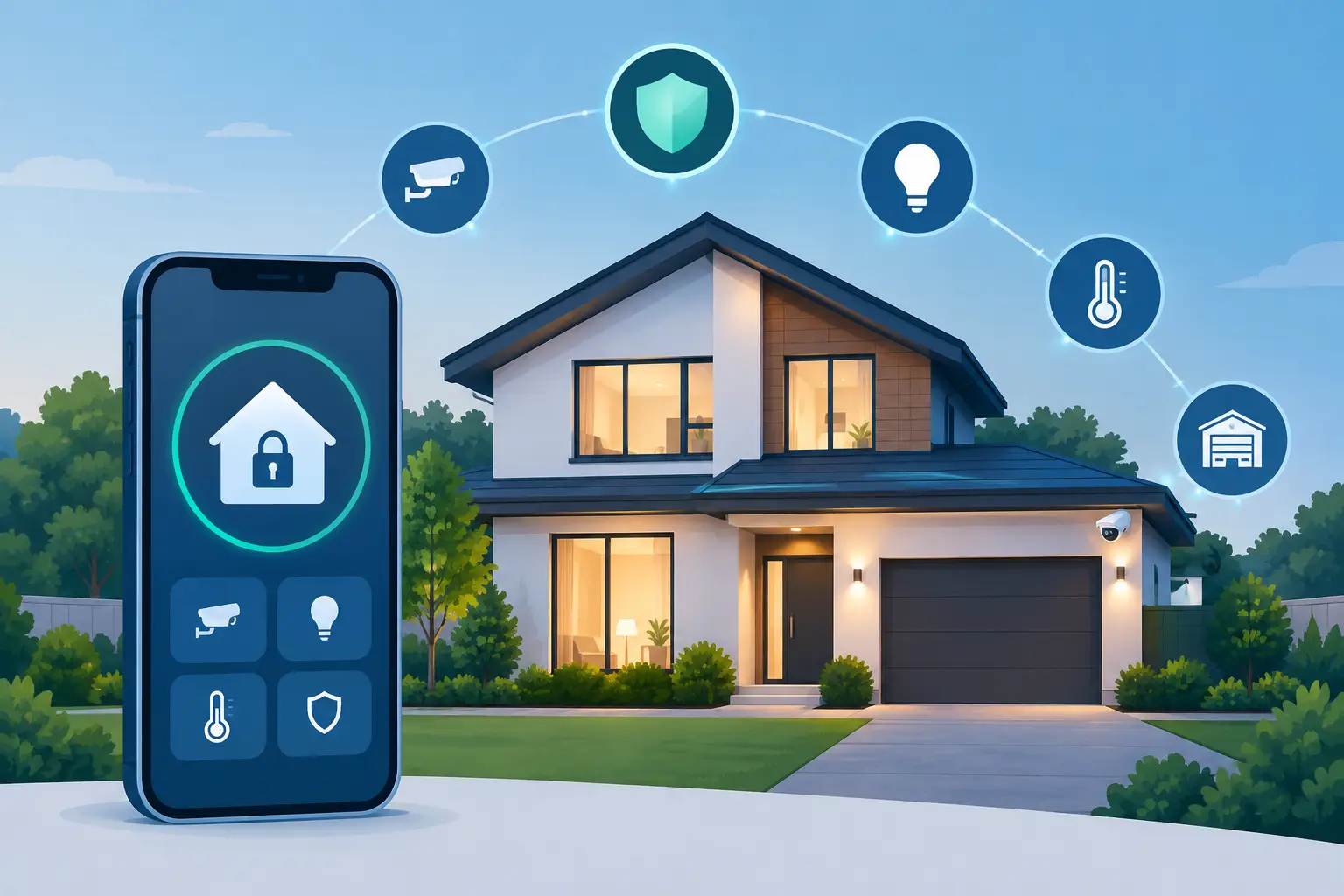
A garage door left open after school pickup. A delivery driver approaching a side gate. An employee who needs access to a warehouse only between 7:00 a.m. and 4:00 p.m. These are everyday events, but they become security decisions when a property is connected correctly. Smart home automation is not simply a collection of app-controlled lights and thermostats. At its best, it is an engineered control system that helps a home or small business recognize activity, respond appropriately, and give the owner clear visibility from anywhere.
For North Texas property owners, that distinction matters. A basic alarm can report that a door was opened after the fact. A properly designed automation and security system can verify what happened, trigger deterrence at the perimeter, notify the right people, and put control of locks, cameras, gates, lights, and alarms in one place.
What Smart Home Automation Should Actually Do
Consumer smart devices are easy to buy and easy to scatter around a property. The problem is that individual devices rarely create a dependable system. A video doorbell, a few smart bulbs, and a Wi-Fi lock may provide convenience, but they can also introduce separate apps, inconsistent notifications, weak wireless coverage, and uncertainty when something fails.
Engineered smart home automation starts with the property itself. The system design should account for entry points, daily routines, vulnerable exterior areas, network coverage, power protection, camera views, and how the occupants expect to use the space. The result is a coordinated platform where security actions and convenience actions support each other rather than compete for attention.
For example, an automation rule can turn on exterior lighting when a person is detected near a side yard after dark. If the activity crosses a virtual tripwire or occurs in a restricted zone, the system can trigger a strobe or audible warning, send a verified alert, and provide live video to a professional monitoring team. That is a materially different outcome from receiving a generic motion alert at 2:00 a.m. and trying to determine whether it was a cat, a car, or a person.
Build Security Into the Automation Design
The strongest systems treat automation as part of total property protection. Intrusion detection, access control, AI-powered cameras, lighting control, and monitored response should be designed to work together.
From Reactive Alerts to Proactive Deterrence
Traditional alarm systems are reactive. A sensor trips, a siren sounds, and a monitoring center receives an alarm signal. That remains an important layer of protection, but it does not tell responders what caused the event. Passive cameras have a similar limitation: they may record useful evidence, but they do not necessarily prevent a crime in progress.
AI-powered video intelligence changes the sequence. Cameras can distinguish people and vehicles from routine motion, which reduces nuisance alerts caused by animals, shadows, and weather. When activity is detected at the property edge, the system can apply rules based on time, location, and event type. A person lingering by a back gate deserves a different response than a vehicle passing on the street.
Where appropriate, proactive deterrence can activate lights, strobes, or an audible warning before an intruder reaches the building. Live video verification allows professional monitoring agents to assess the situation and communicate clearer information to emergency dispatch. Faster, better-informed response is the objective, not more notifications.
Control Entry Without Relying on Physical Keys
Smart locks, gate controls, and cloud-managed credentials improve both security and daily operations. Homeowners can confirm that doors are locked, issue temporary access to a dog walker or contractor, and receive a notification when a child arrives home. The value is not remote unlocking by itself. It is knowing who accessed a door, when they entered, and whether the opening was expected.
For a small business, access control eliminates a familiar problem: keys that are copied, misplaced, or never returned. An owner can issue individual credentials to employees, assign schedules, and remove access immediately when a role changes. A vendor can receive access to a specific entrance during a defined service window rather than a permanent key to the facility.
That control becomes especially valuable for offices, retail locations, warehouses, and multi-location operations. Managers gain a record of access events without manually collecting keys or guessing who had access after an incident.
The Network Is Part of the Security System
Automation is only as dependable as the network supporting it. This is where many off-the-shelf installations fail. Cameras that drop offline, locks that respond slowly, and devices that lose connection are often network design problems, not device problems.
A security-grade installation requires deliberate network planning. Cameras, automation controllers, access devices, and business systems should have reliable connectivity and appropriate segmentation. Wireless coverage must be measured across the property rather than assumed from the location of a single router. Critical equipment benefits from power protection, and remote system management should be configured with privacy and security in mind.
There is a practical trade-off here. Wireless devices can be useful in finished spaces where running cable would be disruptive. Wired connections are generally preferable for fixed cameras, access control hardware, key network equipment, and other critical devices because they provide more consistent performance and can be supported more effectively over time. The right choice depends on the building, the device, and the consequence of downtime.
NDX Security designs the security, automation, and network infrastructure as one system, rather than asking a homeowner or business owner to make disconnected products work together.
Smart Automation for the Way Properties Operate
The best automation routines are specific enough to be useful but simple enough to trust. A house should not require a technician every time the family schedule changes, and a business owner should not need to navigate several platforms to lock up at night.
At a residence, a departure routine may arm the security system, lock selected doors, close an integrated garage door, adjust lighting, and notify the homeowner if a protected opening remains unsecured. An arrival routine can disarm authorized areas, turn on pathway lighting after sunset, and provide a clear camera view at the front entry. These actions reduce friction without weakening protection.
For small businesses, opening and closing schedules can make daily operations more consistent. Authorized staff can receive access during assigned hours, while managers receive alerts for after-hours entry, doors propped open, or activity in restricted areas. Cameras can provide operational visibility for receiving areas, stockrooms, and exterior approaches without forcing an owner to constantly watch a live feed.
Automation should not replace judgment. A system should be configured so that high-risk events receive immediate attention, while lower-priority events do not create alert fatigue. Too many poorly tuned notifications train people to ignore the very warning that matters.
Privacy, Ownership, and Long-Term Control
Connected property technology raises legitimate privacy questions. Cameras should be installed with intentional fields of view, user permissions should be limited to the people who need them, and account access should be protected with strong credentials and multifactor authentication where available. Business owners should also establish clear policies for camera placement and employee access records.
Equipment ownership matters as well. Some conventional providers use proprietary hardware or restrictive agreements that make it difficult to expand, service, or retain a system later. A custom installation using high-quality, non-proprietary equipment gives the customer greater control over the technology installed at the property. That does not mean every device will be interchangeable forever, but it does mean the system is designed around the property owner’s interests rather than a locked-in package.
Local support is equally important. Automation systems evolve as families move, businesses add staff, and security needs change. A system should be serviceable, documented, and built with capacity for thoughtful expansion instead of being pushed to its limits on day one.
Start With the Property, Not the Product
There is no universal automation package that fits every home, office, retail store, or warehouse. A gated estate has different perimeter concerns than a townhome. A warehouse needs different camera coverage and access rules than a professional office. The right system begins with an onsite assessment of how the property is used, where threats are most likely to appear, and which actions will produce meaningful protection.
The most useful question is not, “Which smart device should I buy?” It is, “What should happen when this property needs to protect itself?” When the answer is designed around real activity, reliable infrastructure, and professional response, smart home automation becomes more than convenience. It becomes disciplined control over the places and people that matter most.